Kotlin app / Android
8051 Studio.
An 8051 microcontroller simulator for students of embedded systems. Write assembly, run it on a simulated chip wired to LEDs, displays, a keypad and an LCD, and read in plain words what each instruction did.
Screenshots
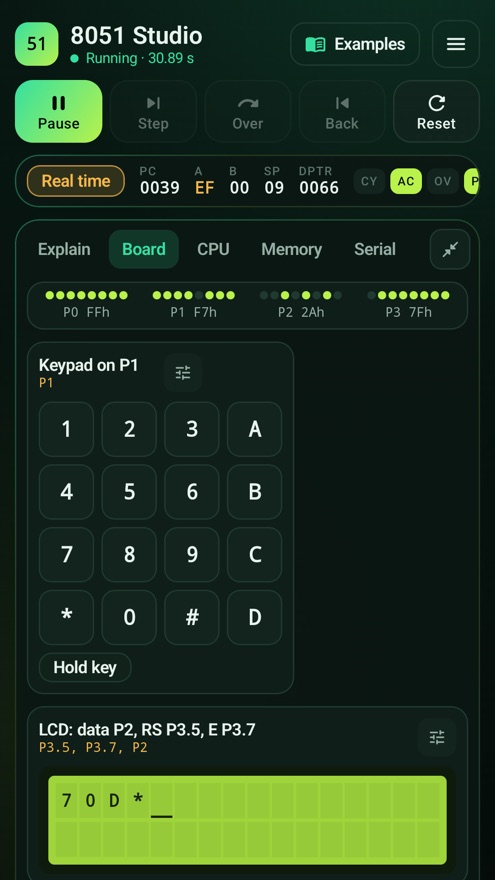
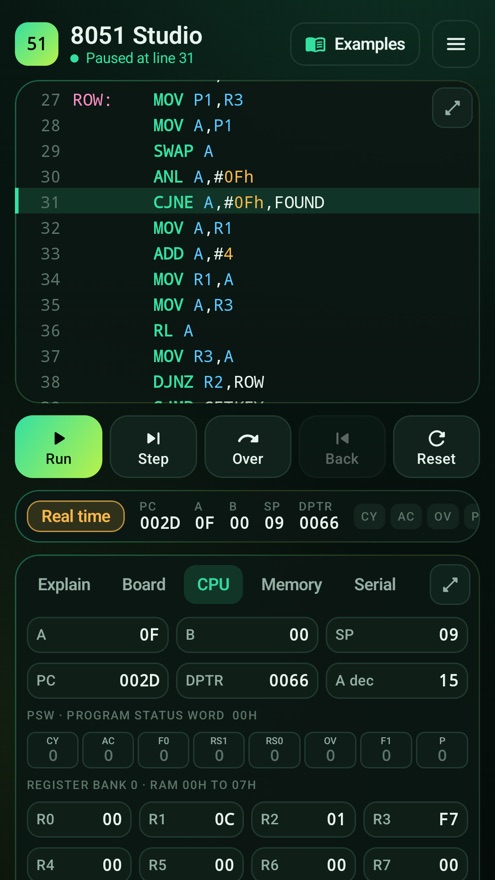
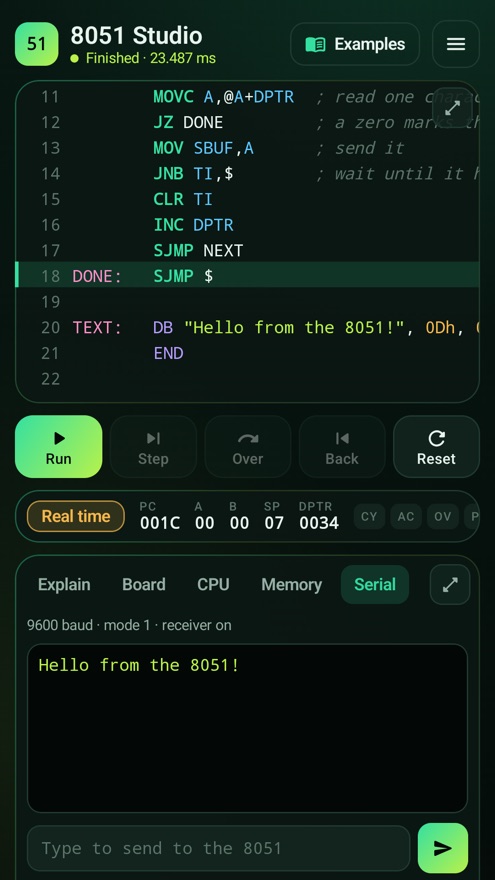
What you get
Editor made for a phone
Line numbers, assembly colouring, extra keys for the symbols assembly needs, and breakpoints by tapping a line number.
Run, step and step back
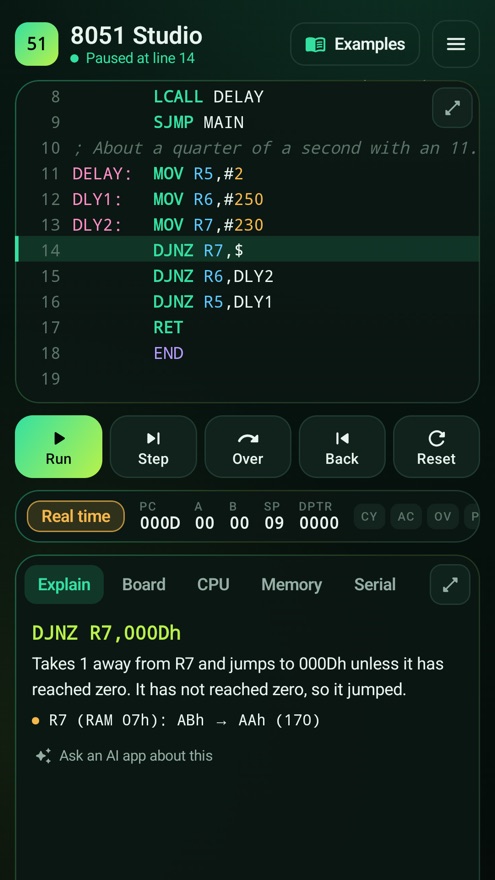
Run at the speed of a real 8051, slower or faster. Step one instruction, step over a subroutine, or undo the last instruction.
Every step explained
Read what the instruction did and which registers, flags and memory bytes changed, with the old and new values.
Hardware you can wire
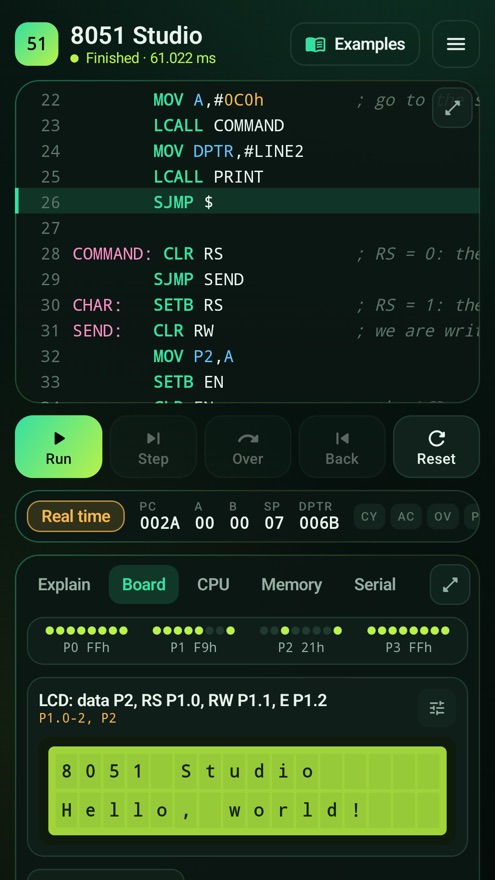
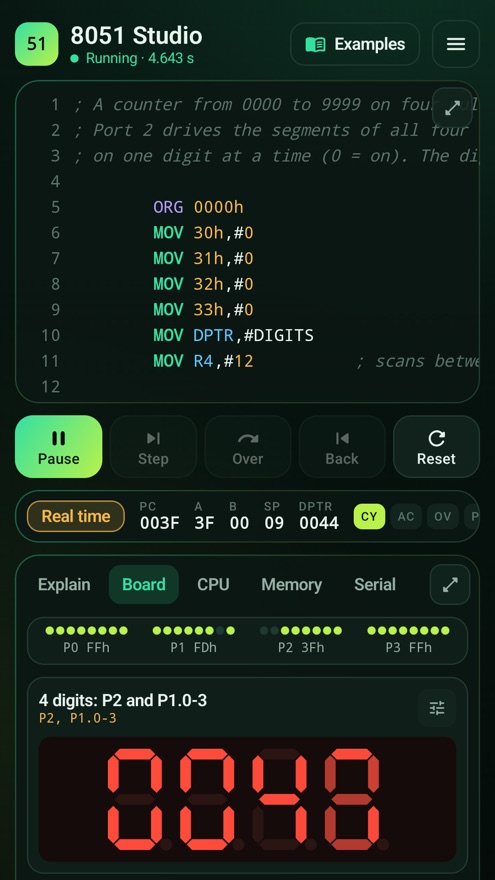
LEDs, switches and buttons, single and multiplexed 7-segment displays, a 4×4 keypad, a 16×2 LCD, a buzzer, stepper and DC motors and an ADC0804, on any port pin.
Timers, serial and interrupts
Timer 0 and Timer 1 in all four modes, the serial port with a terminal, and all five interrupts with two priority levels.
Everything inside the chip
Internal RAM, the four register banks, the stack and every special function register shown bit by bit, plus a logic view of the pins over time.
Intel HEX in and out
Open a HEX file from Keil as a disassembly you can step through, and export HEX for your kit, with a listing of addresses and machine code.
Calculators and reference
Timer reload values, baud rates and delay loops for your crystal, and every instruction with its opcode, bytes, cycles and flags.
34 examples
From adding two numbers to LED blink, timer delays, serial Hello, interrupts, keypad scanning and LCD messages, each with its hardware already wired.
A real assembler and a whole chip
The app assembles your source into real 8051 machine code and runs those bytes, so what you see is what the chip does. It has the complete instruction set with exact carry, auxiliary carry, overflow and parity flags, and it counts machine cycles, so delays, timers and baud rates come out as they do on a board with the crystal you choose.
It works offline and needs no account. Your programs are kept on your device. The app is free and shows a small banner advert below the work area; a one-time purchase removes it.
Some things are not simulated: Timer 2 of the 8052, the bit-by-bit signals on the TXD and RXD pins, and the address bus on ports 0 and 2. Programs are assembly only; there is no C compiler. If you need something that is missing, write to [email protected] and tell me what.