Kotlin app / Android
Cybersecurity Studio.
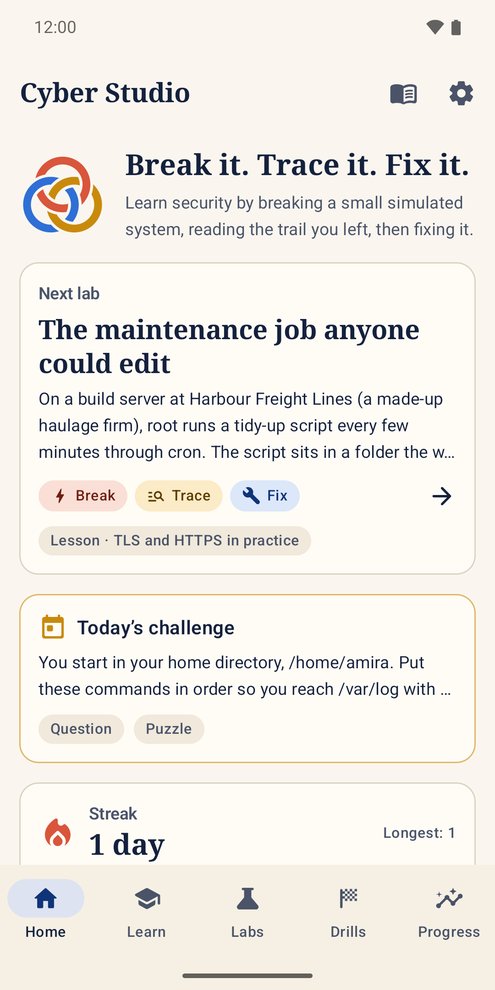
Cybersecurity and defence training on a simulated system. Break a weakness, trace it in the logs, then fix it and watch the same attack fail, with every step explained in plain words.
Coming soon to Google Play.

Screenshots
What you get
Break it, trace it, fix it
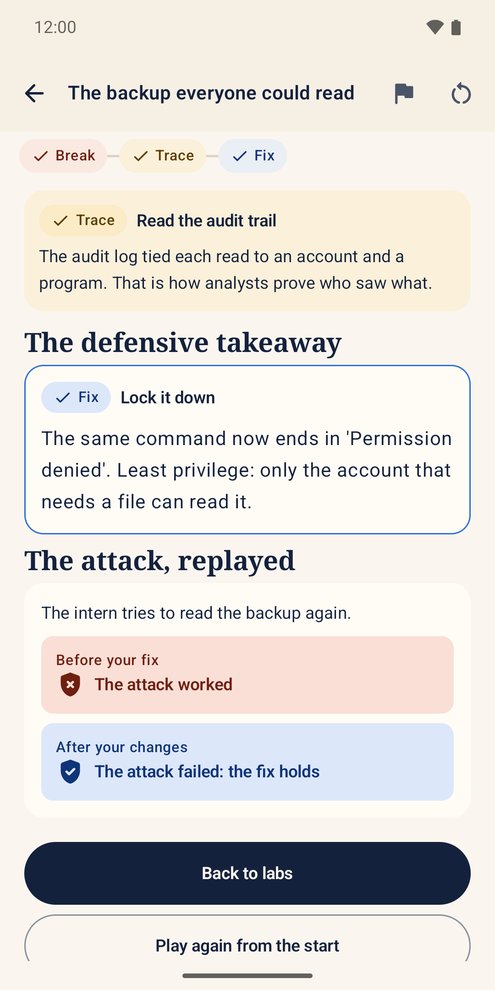
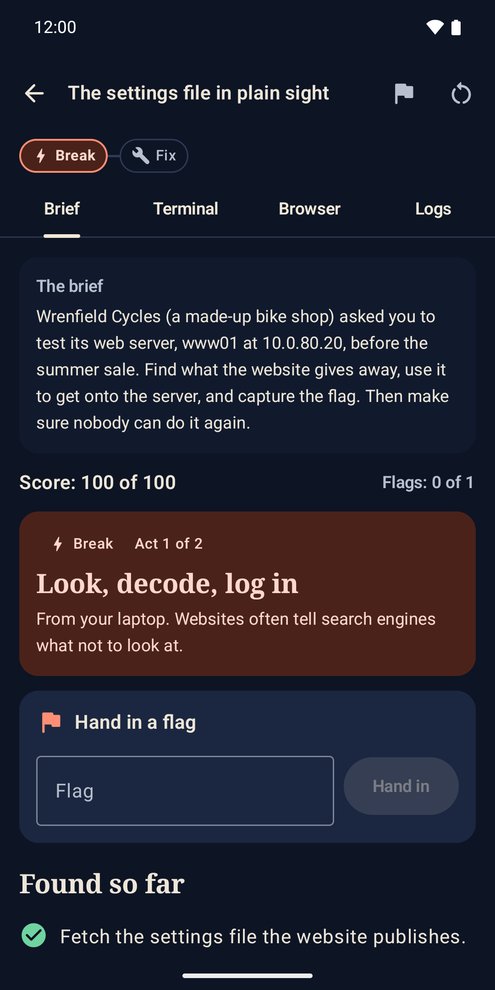
Every lab is one small simulated world in three acts: use the weakness, read the trail your own actions left in the logs, then change the configuration, re-run the attack and watch it fail.
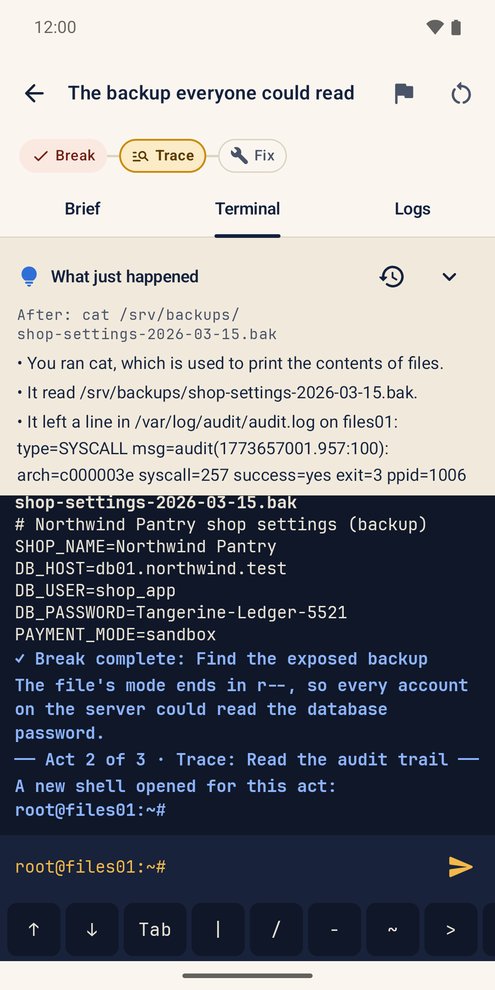
What just happened
After every command the app explains, in plain words, what the simulator actually did: which files it read, which ports it reached and which log lines it left.
A real-feeling terminal
Over a hundred Linux and network commands on a simulated system, with pipes, scripts, permissions, cron, services and a firewall. Tab completion, history and an extra key row.
Web labs with a built-in browser
Log in, follow links and fill in forms on made-up web apps, then look at the cookies, requests and responses. Scripts are modelled, never run.
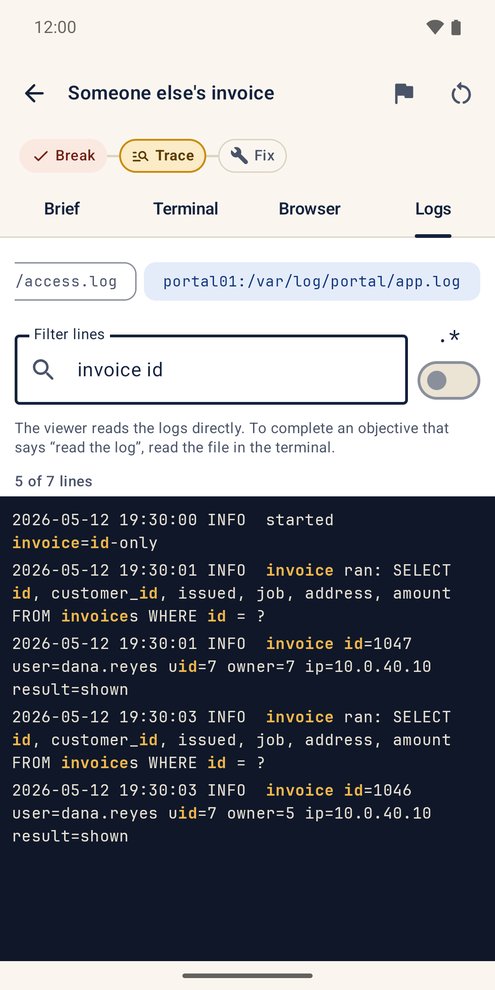
Logs you can read
Authentication, firewall, audit and web server logs, with a viewer that filters by word or pattern, so you learn how defenders find what happened.
32 labs and 12 missions
Guided labs across Linux, networks, web and defence, eight of them for the blue team, plus unguided CTF missions with flags and hints that cost points.
72 lessons and 500 questions
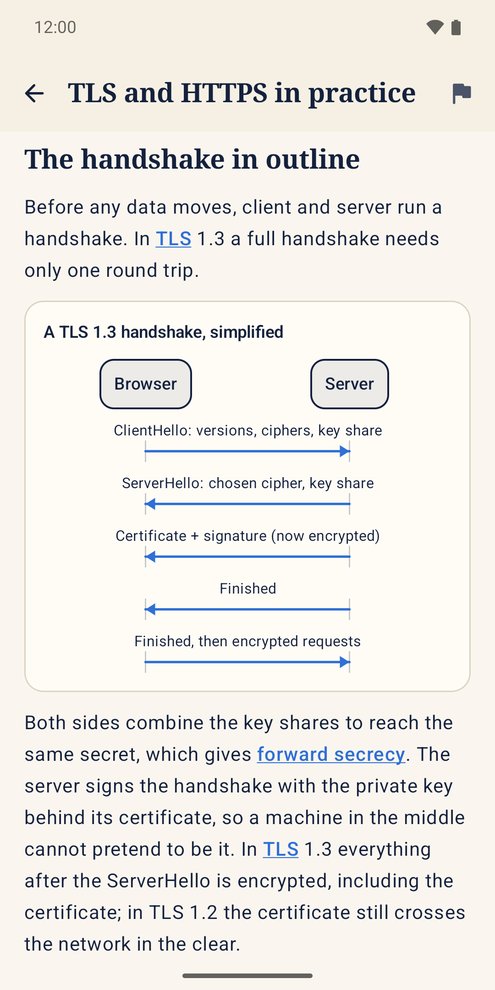
Eight paths from the basics to a first security job, with diagrams, a glossary, cheat sheets, spaced review and a placement test.
Drills
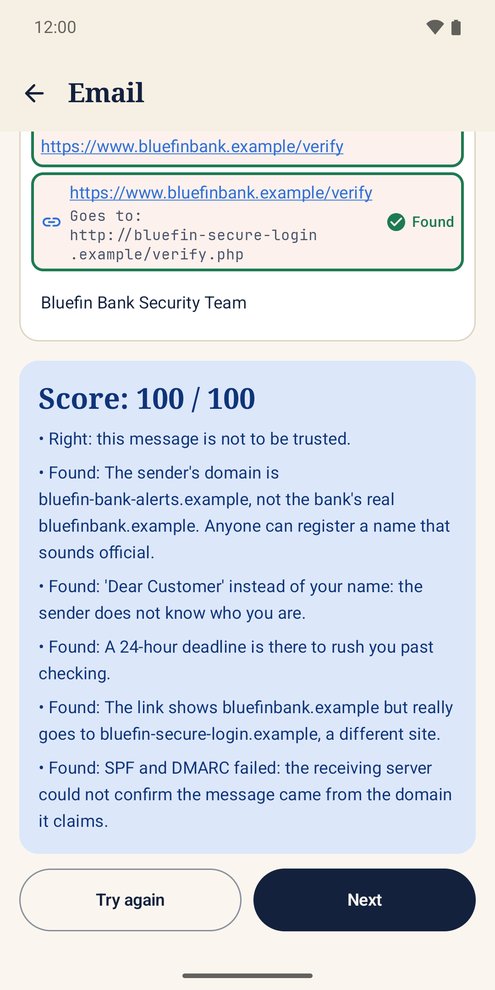
Spot the warning signs in 50 made-up emails and texts, triage alerts, filter packet captures, and solve cipher and hash puzzles.
Exam practice
Timed mock exams drawn by domain weight help you prepare for CompTIA Security+ (SY0-801) and ISC2 CC. Original practice questions; not affiliated with or endorsed by CompTIA or ISC2.
Everything happens inside the app
Every lab runs in memory on a simulated system: the machines, people, companies and addresses are made up, and nothing you type reaches a real computer, network or account. The labs work offline and need no account; your progress stays on your device. The skills are for defending systems you own or are allowed to test.
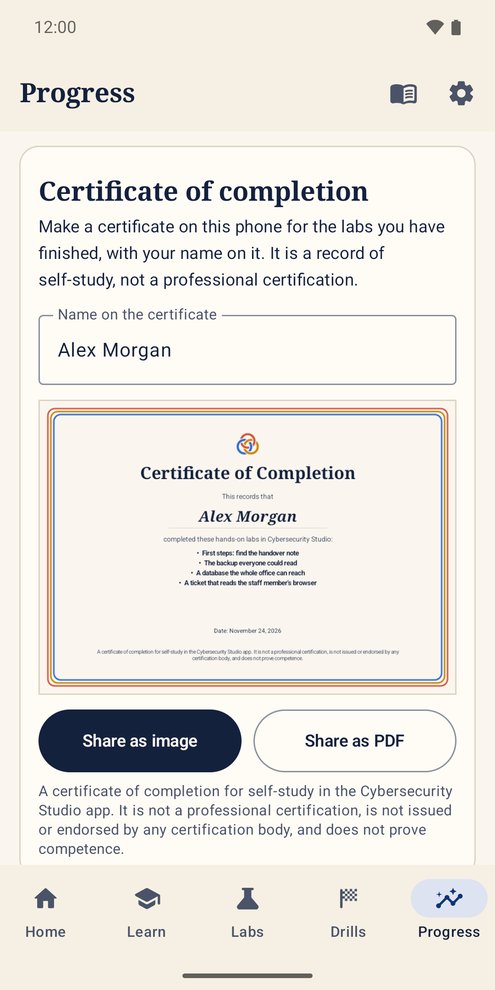
Every lesson, quiz and question, the glossary, the cheat sheets, the daily challenge and the phishing drills are free, along with the first lab of each path and the four easy missions. Cybersecurity Studio Pro is a one-time purchase that unlocks the other labs and missions, a free-play practice network, mock exams, unlimited drills, the certificate, and turns the small banner advert off. Labs you have finished stay yours to replay.
Some things are not simulated: real time, full-screen editors, IPv6 and real TLS. If you spot a mistake in a lesson or a lab, use “Report a mistake” in the app or write to [email protected].