Kotlin app / Android
Exam Results.
SSC, HSC, National University, BOU and admission results for Bangladesh, in Bangla and English. The official result page opens in the app with your roll filled in, and your marksheet stays on your phone.

Screenshots
What you get
Your result, filled in
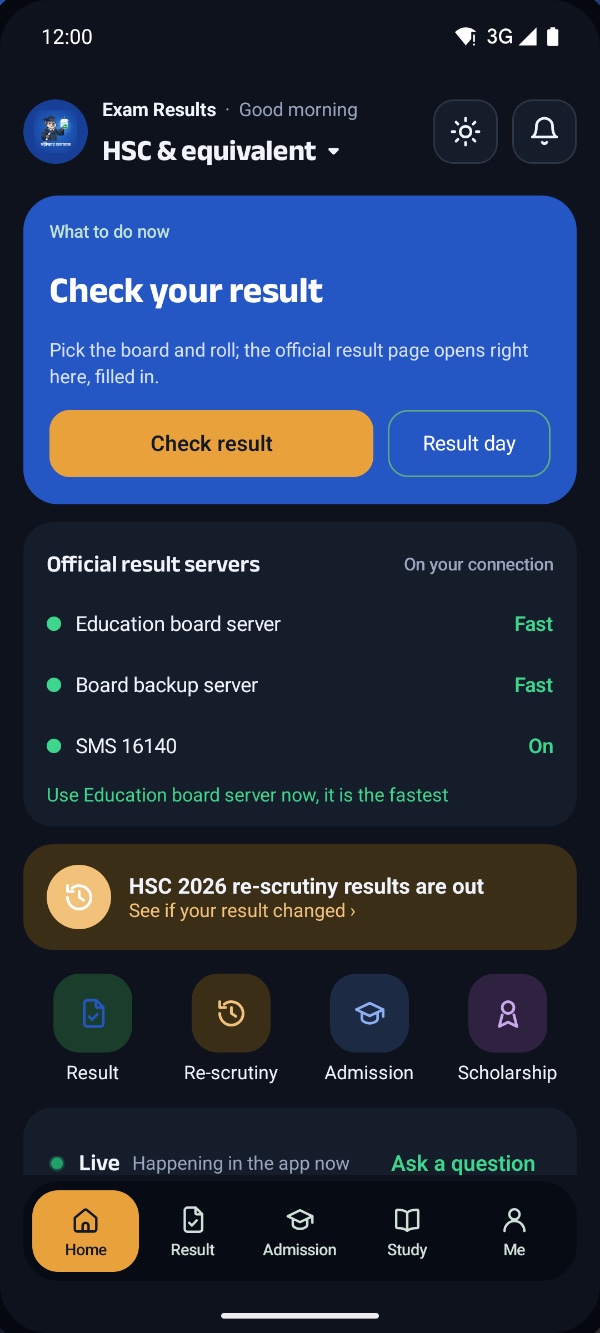
Pick the board and roll once. The official result page opens right inside the app with your roll and registration already typed in; you only enter the captcha.
Know which server is up
On result day the app checks the official result servers from your own connection and points you to the fastest, with mobile data and SMS help when a site will not open.
Marksheet kept on your phone
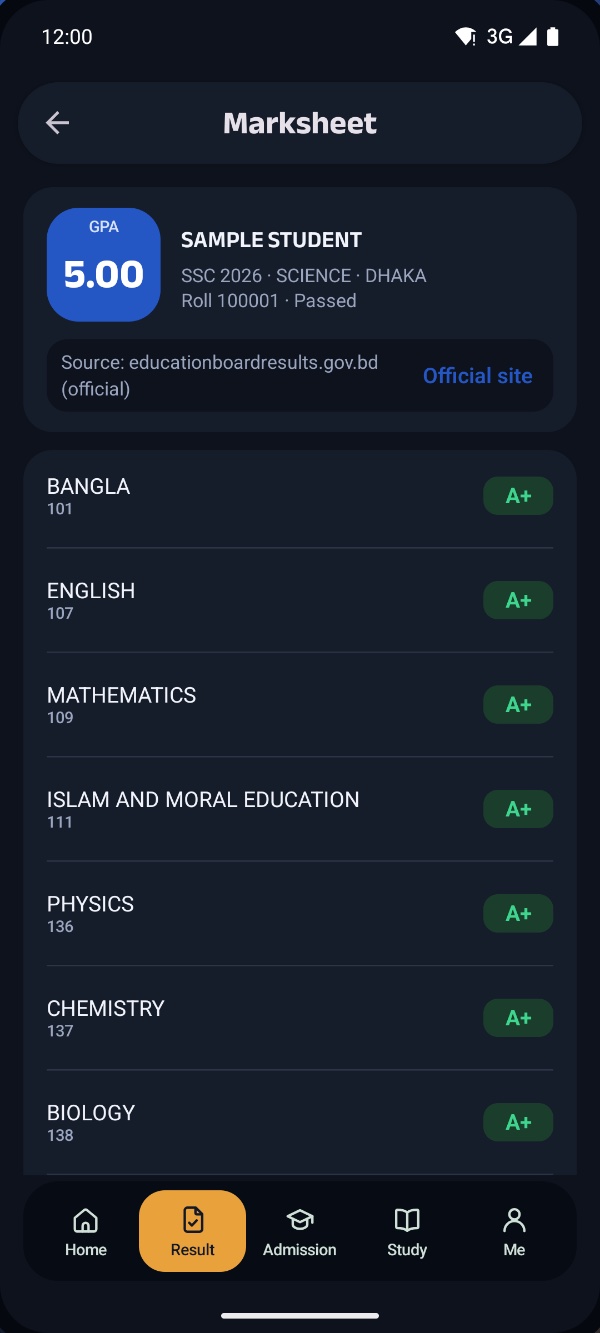
When your result appears, the app keeps the marksheet and a copy of the board’s own page on your phone, to view offline, print, save as a picture or share.
Celebrate, then share
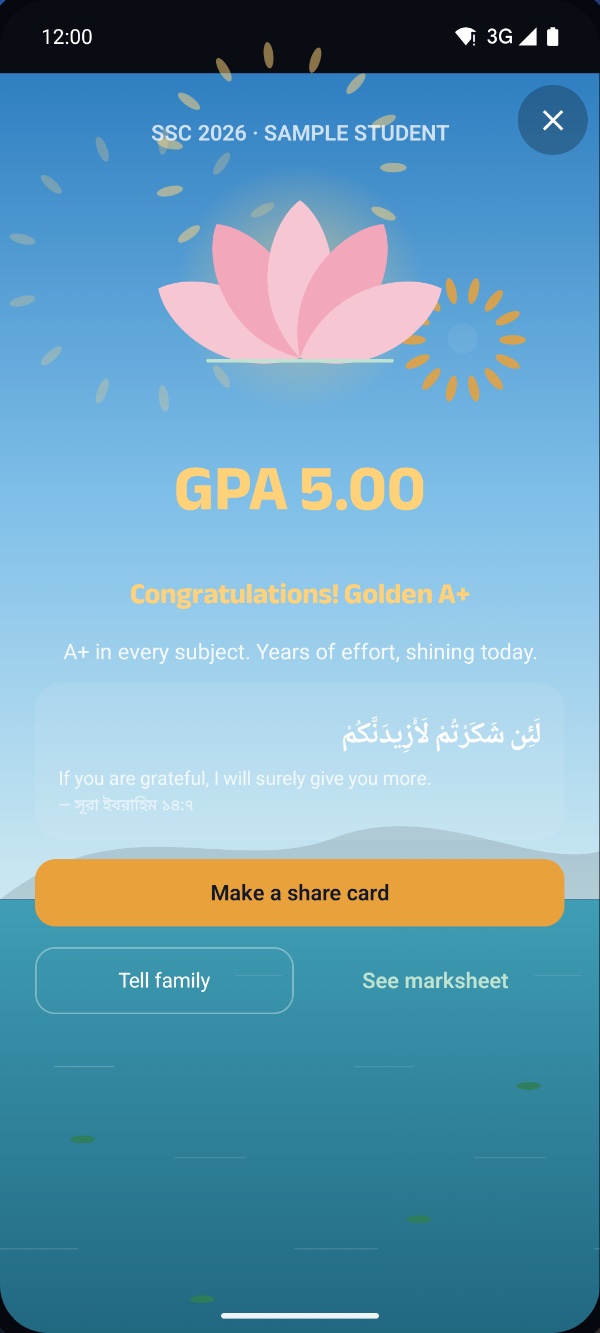
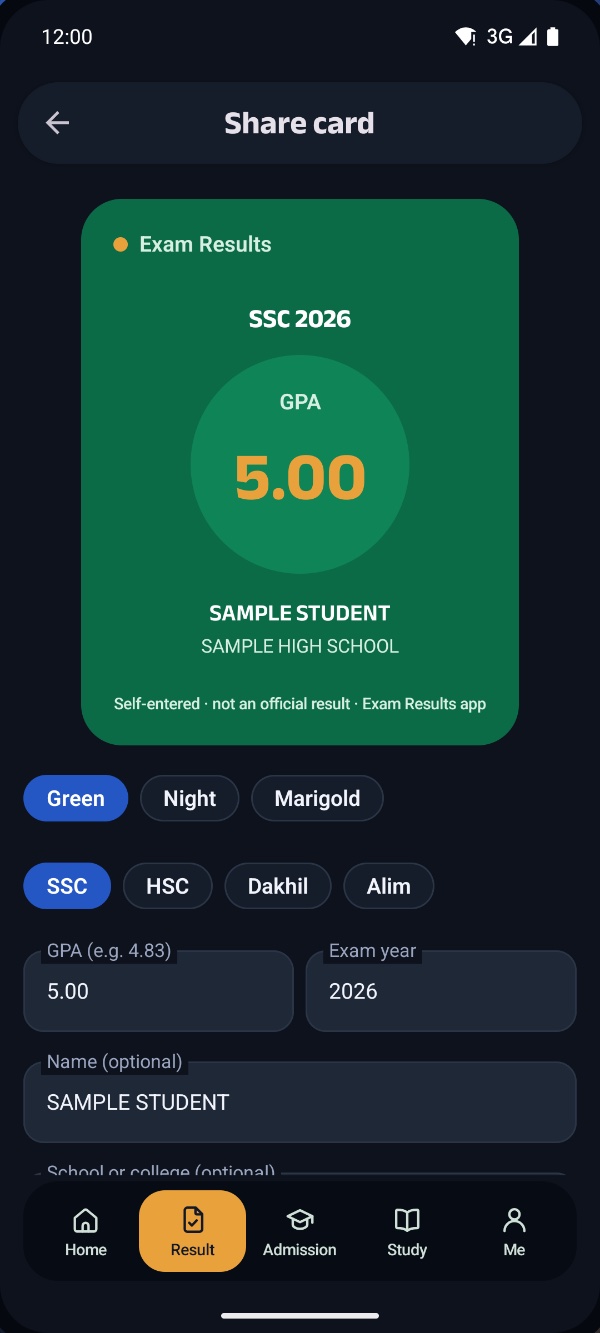
A celebration for good results, a share card for social media, and a short message to tell the family.
Family rolls in one place
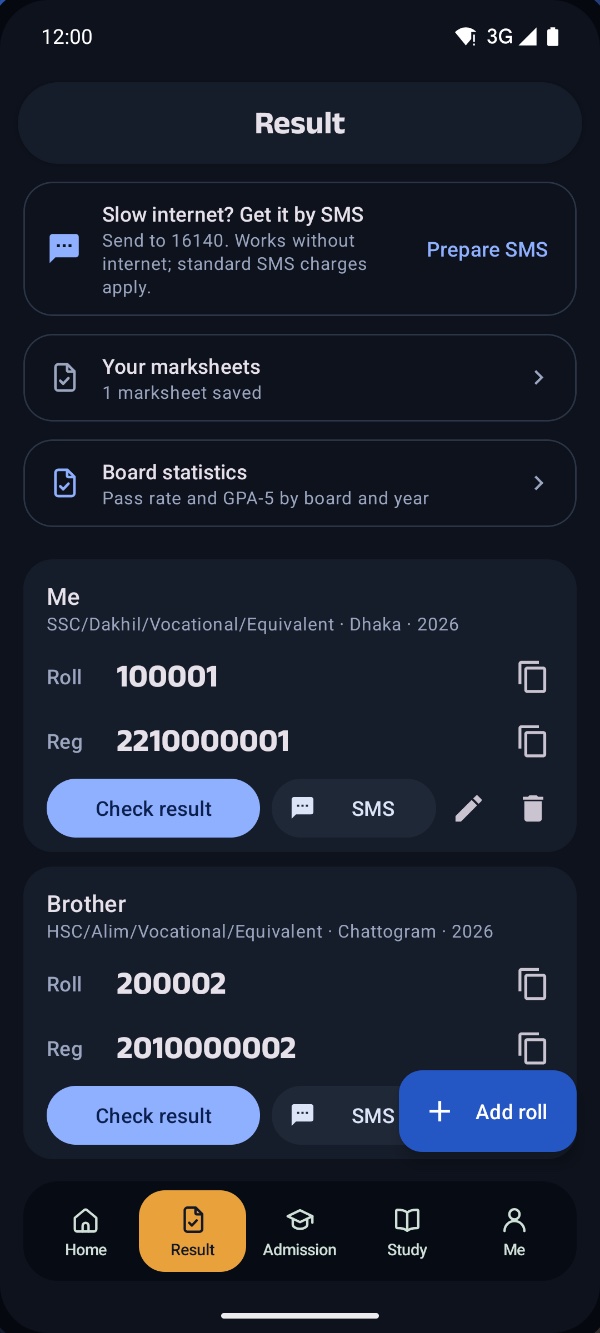
Save rolls for everyone in the family and check them one after another on result day.
Admission
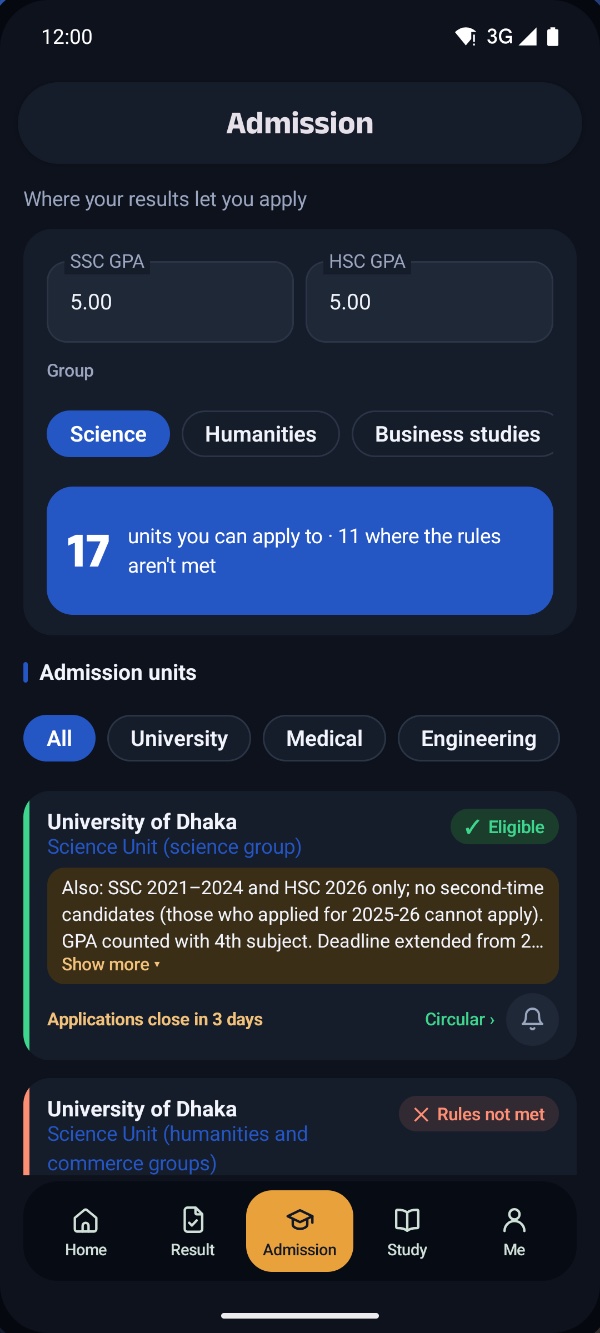
Enter your GPAs and group to see which university, medical and engineering units you can apply to, with deadlines and reminders.
Re-scrutiny and statistics
Look up whether a roll is on the boards’ changed-result lists, and see pass rates and GPA-5 counts by board and year.
Study together
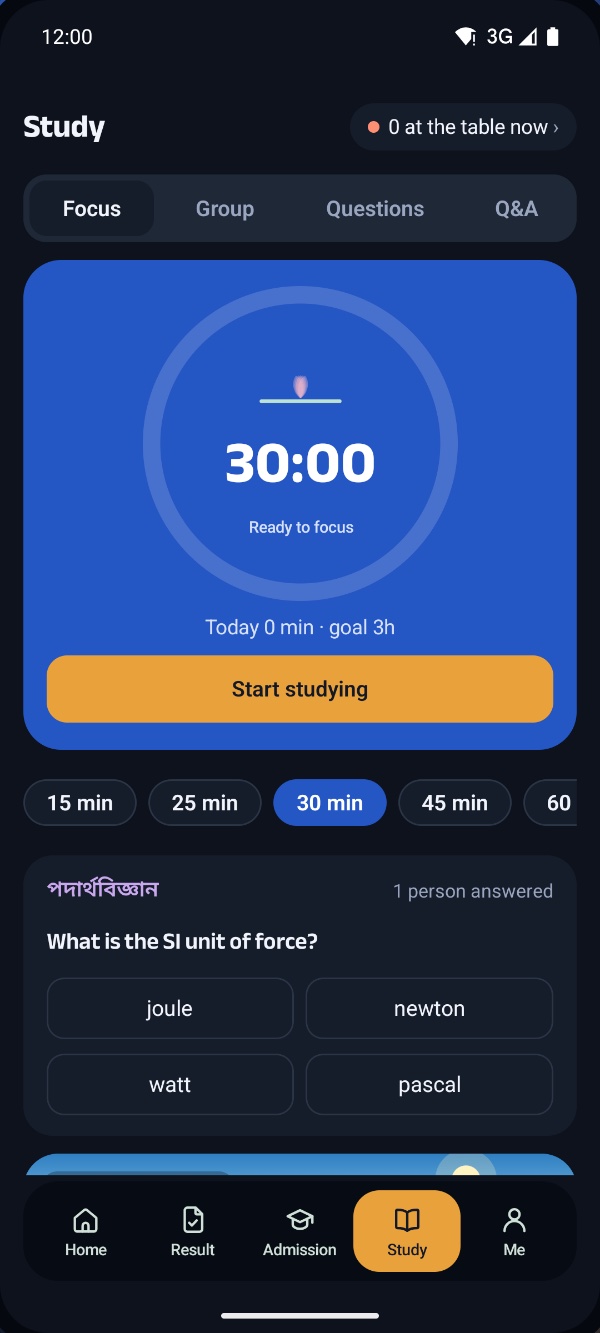
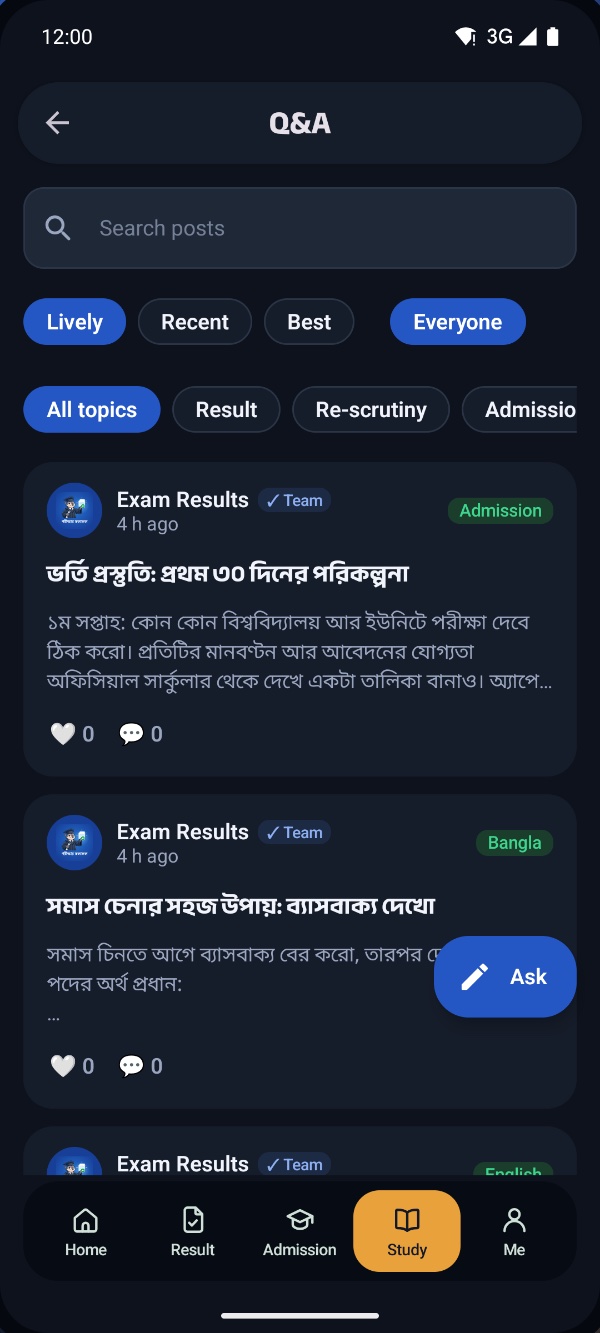
A focus timer, practice questions, a study table with other students, private study groups and a question-and-answer board, in Bangla and English.
An unofficial helper
Exam Results is not a government app and is not connected with any education board, the Ministry of Education, National University or any other public body. It does not publish or certify results: it opens the official result websites, and the result you see is the board’s own page.
Everything works without an account. Saved rolls, marksheets and admission details stay on your phone. Signing in is only needed for the community features, and you can delete your account at any time in the app or at examresults.zubaer.com/account/delete.
Questions or suggestions: [email protected]