Kotlin app / Android / Keyboard
Likhi.
লিখি, “I write”: a Bangla keyboard that understands Banglish the way people really type it, and keeps what you type on your phone.
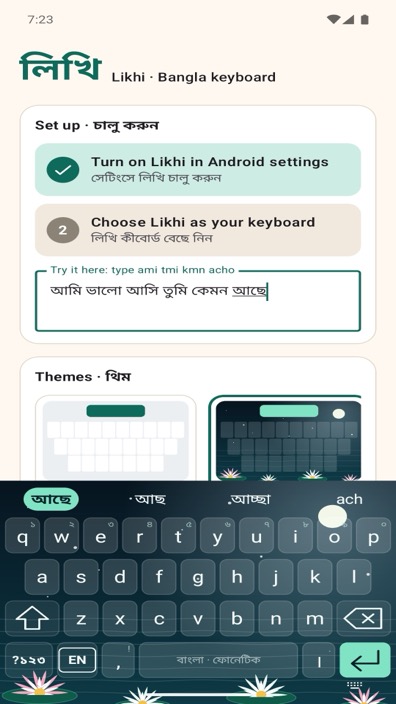
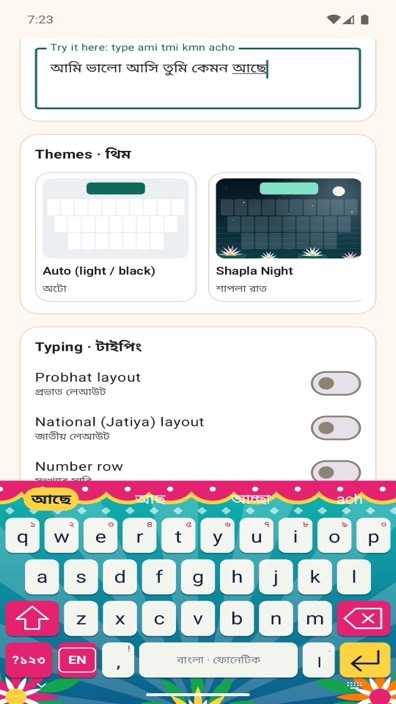
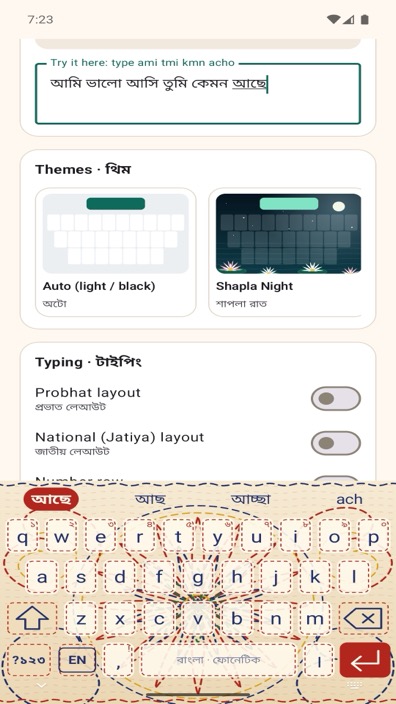
Screenshots
What you get
Banglish the way you write it
Type kmn, tmi, korsi or jnno and get কেমন, তুমি, করছি and জন্য. Dropped vowels, chat spellings and different ways of writing the same word all work, with the likeliest word first.
It learns your words
Pick a word once and Likhi remembers it, including the names you write. It also learns which word you tend to write next. All of this stays on your phone.
Avro-style rules when you want them
Use capital letters to type an exact spelling by the rules Bangla typists already know.
Four layouts
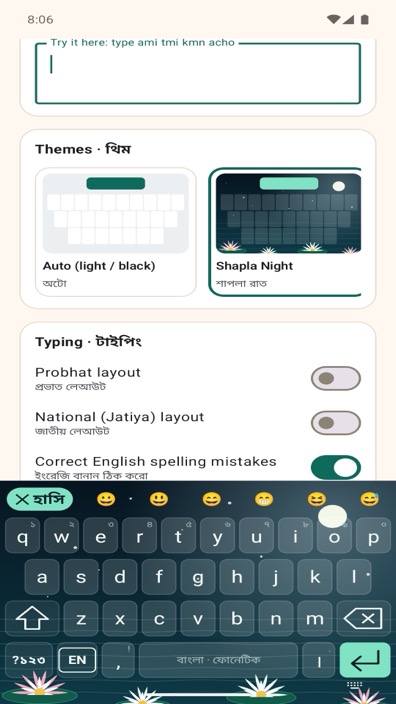
Bangla phonetic, English QWERTY with completions and spelling correction, Probhat and National (Jatiya).
Emoji in Bangla
Search for emoji by typing their Bangla name in Banglish: hasi finds 😀, phul finds 🌸.
Clipboard, voice and shortcuts
Recent copies a tap away, voice typing through your phone’s own voice keyboard, and shortcuts such as brb → একটু পরে আসছি.
Themes from home
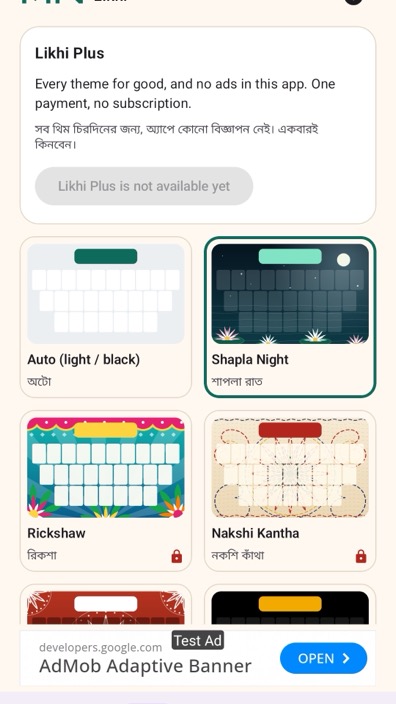
Rickshaw art, nakshi kantha, alpona, Shapla Night, pure black, light, or your own photo.
Phones and tablets
One-handed mode, adjustable height, number row, key sound and vibration, and a layout that keeps keys in thumb reach on wide screens.
Private by design
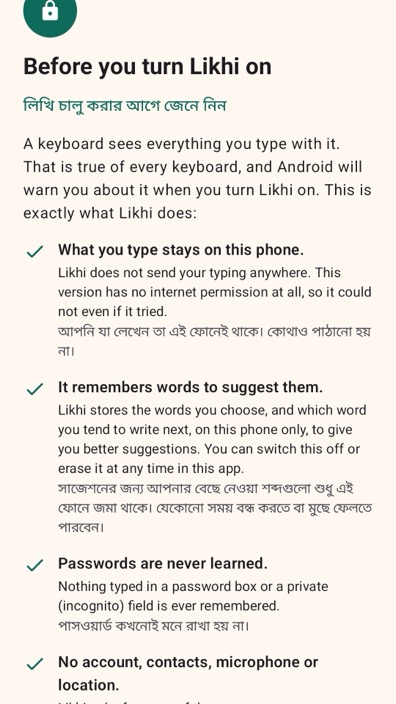
A keyboard sees everything you type, so Likhi is built to keep it. The keyboard has no code that uses the internet. Words it learns, your shortcuts and your settings are stored only on your phone, password and private fields are never learned, and copied text is held in memory only. You can erase what it learned at any time.
Likhi is free. The settings app shows a small advert on its Themes and Settings screens; the keyboard itself never shows adverts. Some themes unlock with a short video, and one optional purchase, Likhi Plus, opens every theme and removes the adverts. There is no subscription.
Words it gets wrong, and suggestions: [email protected]