Independent product / Network and web utilities
Zubaer Tools.
Find the answer, then fix it.
A free workbench for everyday connection checks and the more involved work of diagnosing a website. I designed the interface, built the tools, and set up the edge and VPS deployment.
- My role
- Product design, engineering and delivery
- The stack
- JavaScript · Cloudflare Workers · Node.js · Docker
- The experience
- Browser tools and live reports, with no sign-up
The problem
One symptom.
Several possible causes.
When a domain moves, a slow-looking site can be a DNS cache, a redirect or the connection itself. These tools let you check each piece and see which source produced the result.
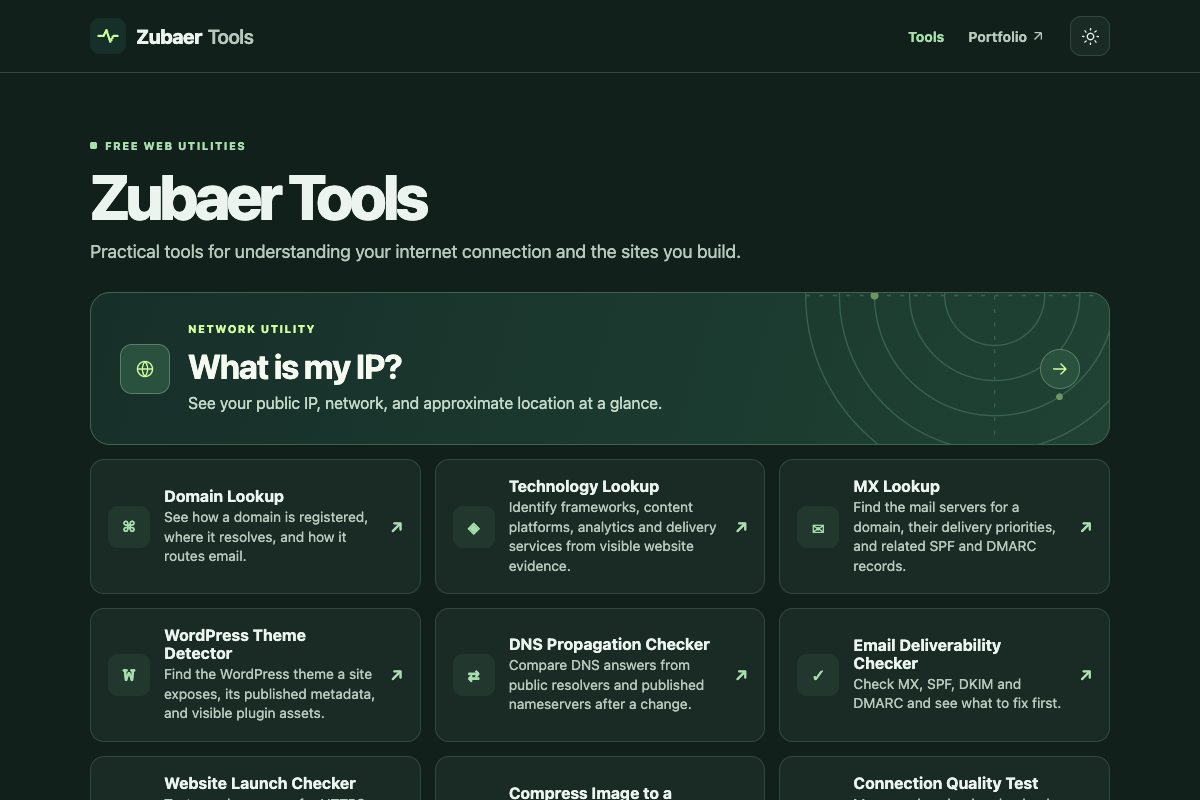
Tool catalogue
Ten tools.
Find the check you need.
Open any tool directly. The screenshots show the kind of result you can expect.
Connection
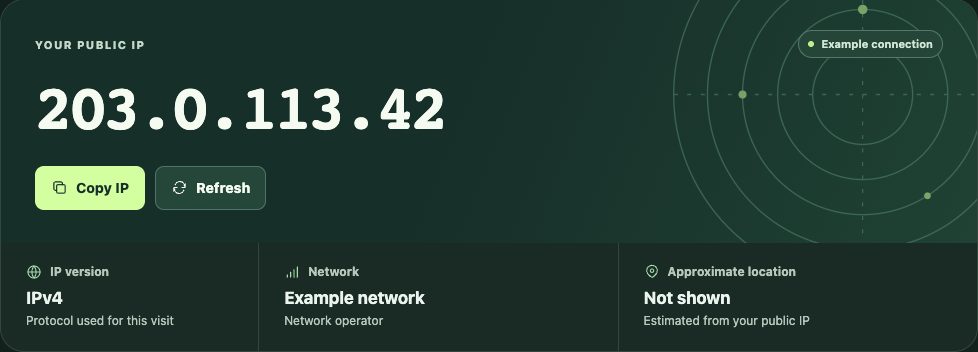
What Is My IP?
See the public IPv4 or IPv6 address used for the visit, with network and approximate location when available. Useful for checking a VPN or an IP allowlist.
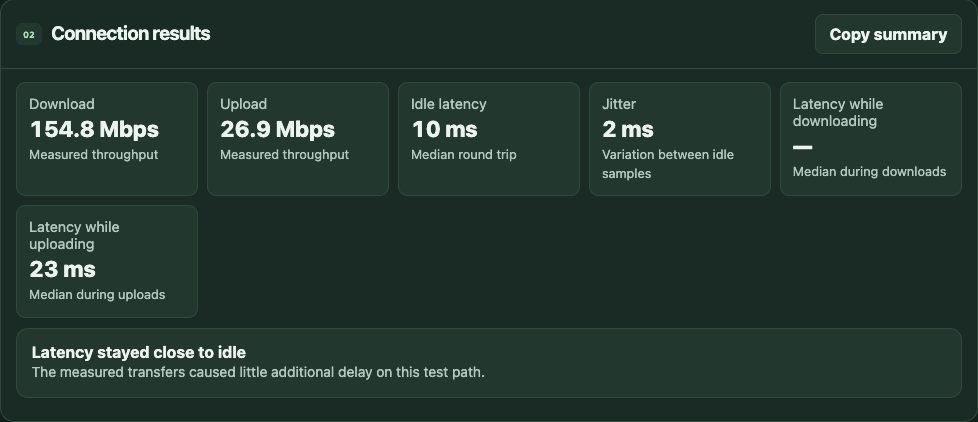
Connection Quality Test
Measure download, upload, idle latency and jitter. Compare idle delay with latency under load to see why calls or games might lag during transfers.
Domains and email
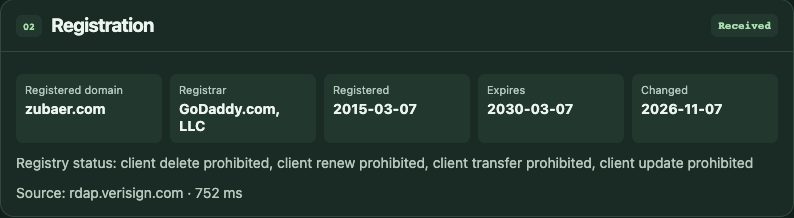
Domain Lookup
Inspect DNS records and registration data in one report. Check which hostname was queried and which domain the registrar reports.
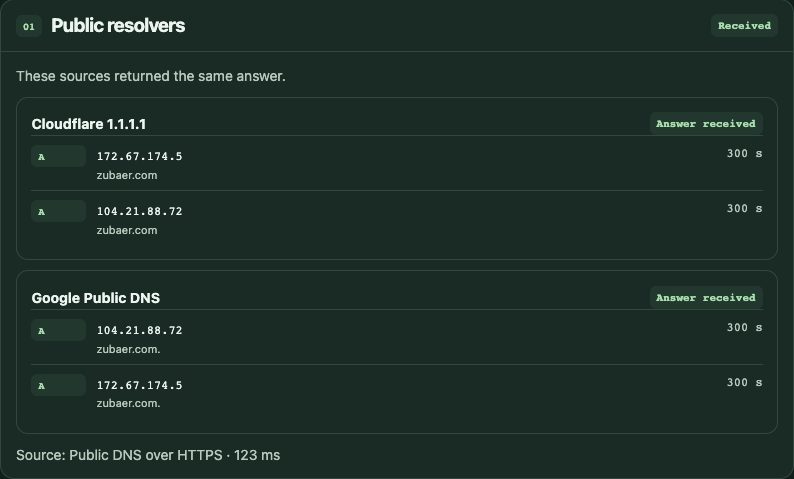
DNS Propagation Checker
Compare answers from Cloudflare and Google Public DNS with responses from published nameservers. Check for an expected record after a migration.
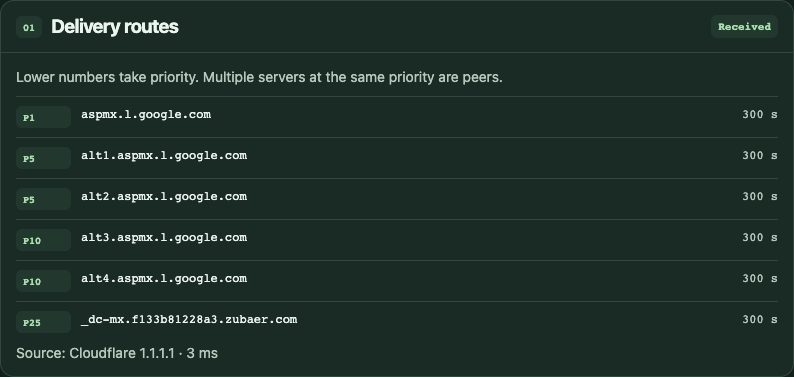
MX Lookup
Find the mail servers for a domain and see which ones senders should try first. The report distinguishes an explicit no-mail record from a missing MX record.
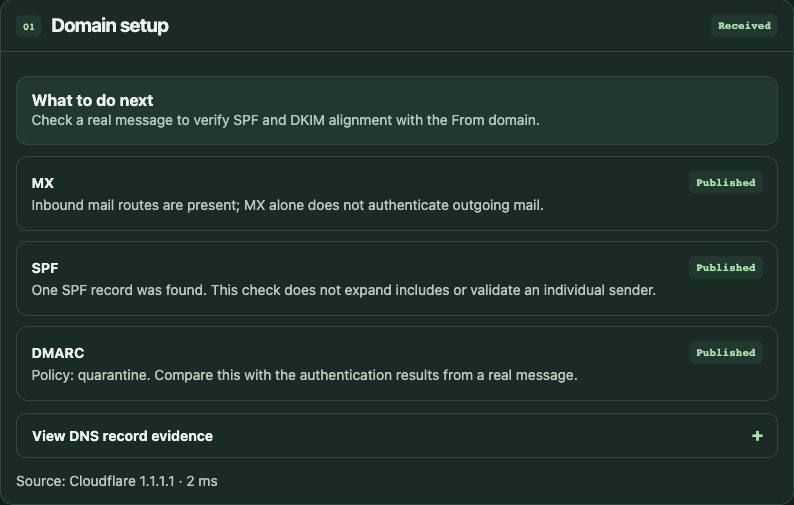
Email Deliverability Checker
Review MX, SPF and DMARC, and look up DKIM when you know the selector. Paste a received message’s headers to read the reported authentication results on your device.
Websites and images
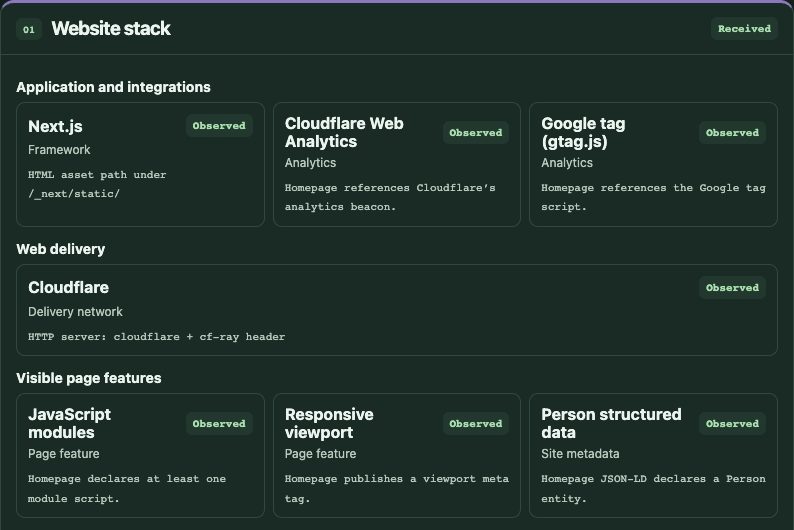
Technology Lookup
Identify technologies visible on a public homepage, such as frameworks, analytics or hosting signals. The report shows the evidence behind each finding.
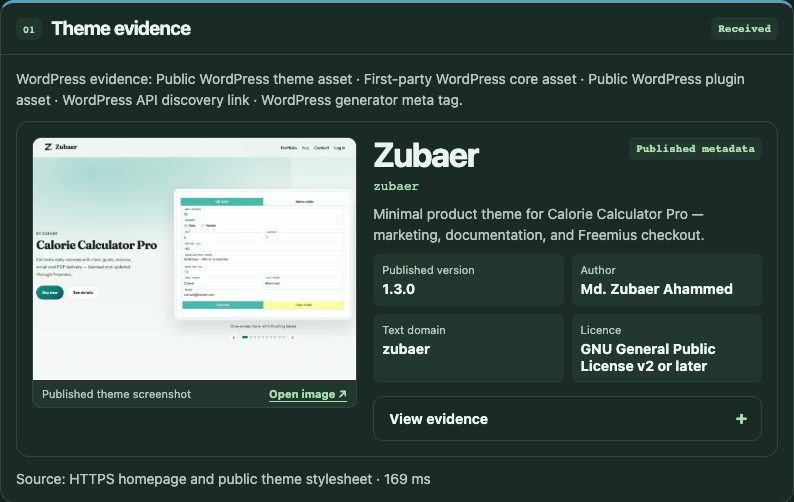
WordPress Theme Detector
Find the theme and plugin assets a WordPress homepage exposes. See theme metadata and an author-provided preview when the site publishes them.
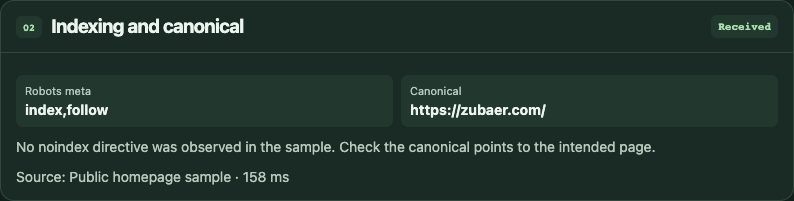
Website Launch Checker
Check a public homepage for HTTPS, redirects, indexing directives, canonical tags and social metadata before you share or launch it.

Compress Image to a Target Size
Choose a size limit for a JPG, PNG or WebP, compare both versions, and download the result. Compression happens in your browser without uploading the file.
Engineering decisions
Do the work
where it belongs.
Cloudflare serves the pages and runs the connection measurements from its edge. An authenticated Node.js service samples public websites where that is needed. The lookup interface renders results as each source responds, so useful answers can arrive before a slower source finishes.
Image files and pasted mail headers are processed in the browser. Reports separate what public sources returned from what can only be inferred, and explain limitations such as DNS cache differences and homepage-only sampling.
Build something useful