Kotlin app / Android
8086 Studio.
An 8086 assembly emulator for students of microprocessors. Write a program, run it one instruction at a time, and read in plain words what each instruction did.

Screenshots
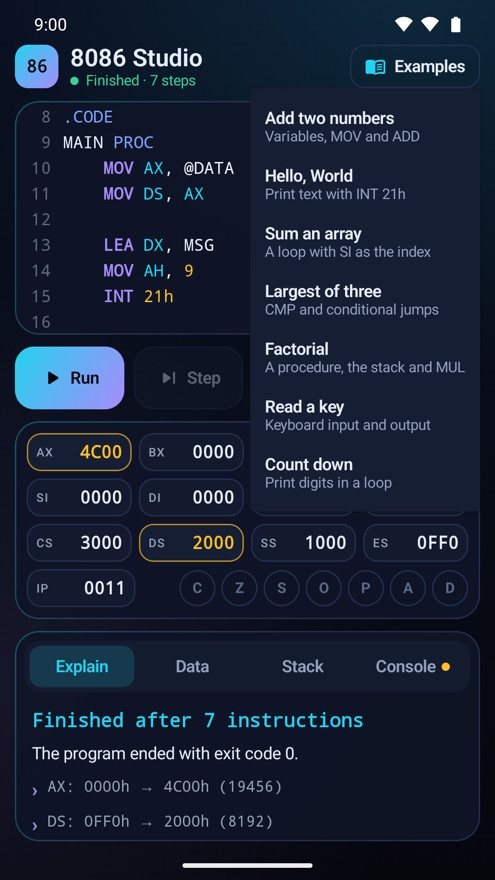
What you get
Editor made for a phone
Line numbers, assembly colouring and extra keys for the symbols assembly needs.
Run, step and step back
Run the whole program, run one instruction, or undo the last one to see it again.
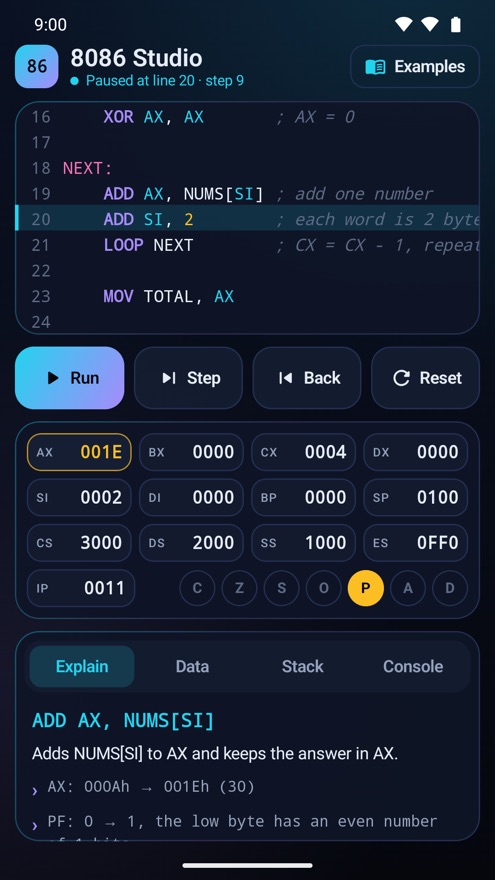
Every step explained
Read what the instruction did, which registers changed, and the old and new values.
Registers and flags
All of them on one screen, with the ones that just changed marked.
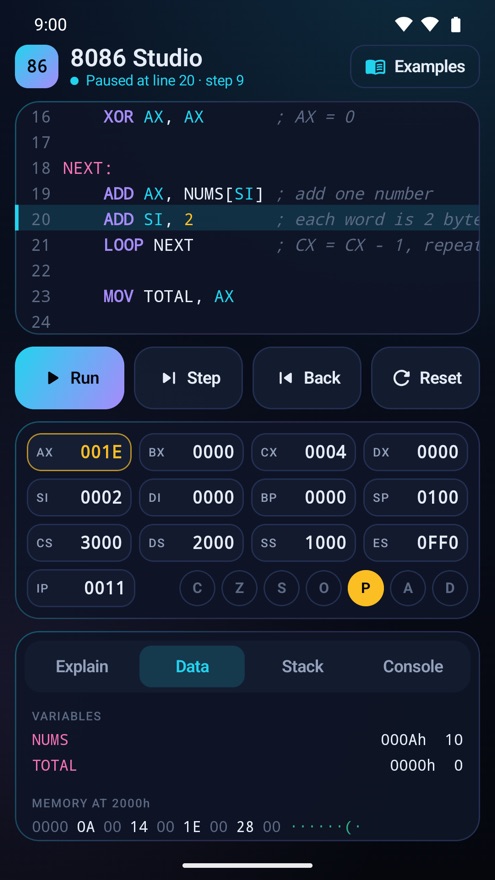
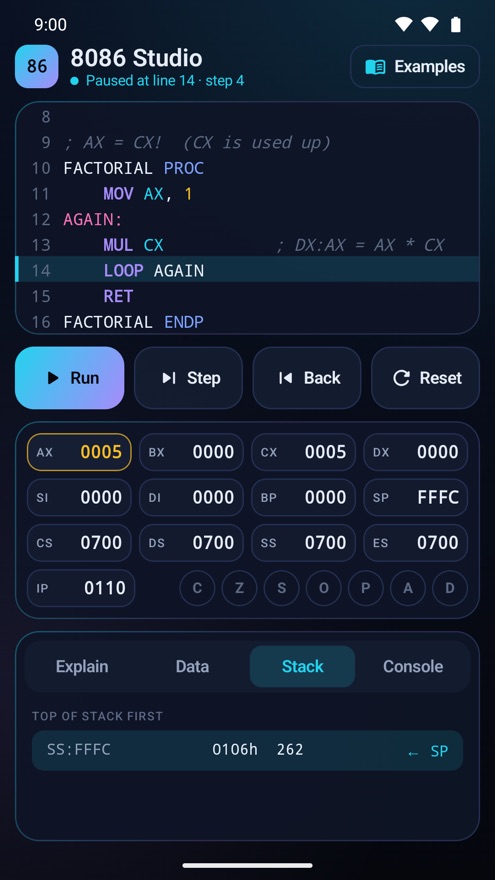
Data and stack views
See your variables, the memory behind them, and what PUSH, POP, CALL and RET put on the stack.
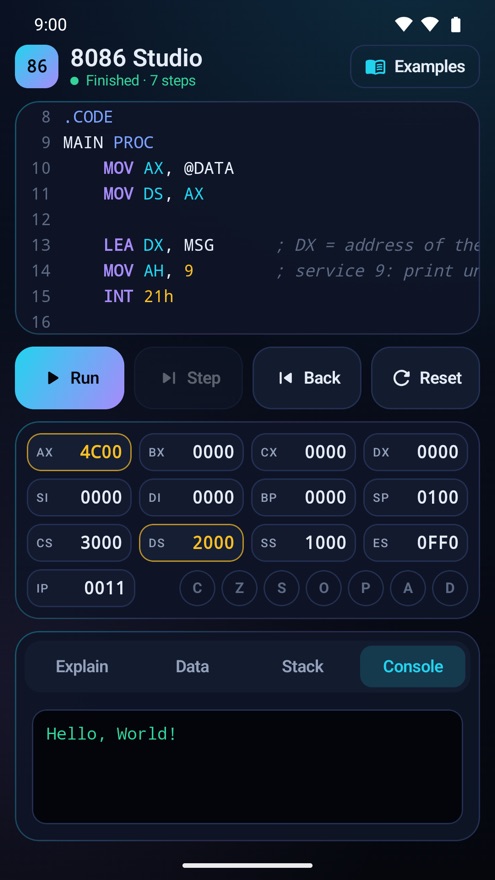
Console
Shows the text your program prints and takes the keys it asks for.
Seven examples
Add two numbers, Hello World, sum an array, largest of three, factorial, read a key and count down.
Clear error messages
When a line has a mistake, you get the line number and how to fix it.
A real assembler and CPU
The app assembles your source into real 8086 machine code and runs those bytes, so what you see is what the processor does. It supports the instructions taught in a first microprocessor course, the common INT 21h services for reading keys and printing text, and both .MODEL SMALL and ORG 100h programs.
It works offline and needs no account. Your program is kept on your device. The app is free and shows a small banner advert below the work area.
Not every 8086 instruction or DOS service is included yet. If your program needs one that is missing, write to [email protected] and tell me which.